Home Sound Booths for Online Tutors & Remote Workers UK: What You Actually Need
If you're teaching online or taking back-to-back video calls from home, you've probably noticed the problems: your dog barks during a lesson, traffic noise bleeds into your microphone, or your voice sounds hollow and tinny on camera. A sound booth seems like the obvious solution, but most people vastly overestimate what they need to spend, and many buy products that don't actually solve their problem.
The truth is simpler: you need acoustic treatment that fits your space, not a Zoom booth that costs £2,000 and takes up your bedroom. This guide cuts through the marketing to explain what actually works for remote workers and online tutors in the UK.
Why Background Noise Matters More Than You'd Think
Before you buy anything, understand what you're solving for. When you're on a video call, viewers tolerate background noise far less than you'd expect. A persistent hum, distant traffic, or intermittent voices distract people far more than a slightly smaller office space would.
The problem isn't always your microphone quality—most USB microphones are actually decent now. The problem is room acoustics. Sound bounces off hard surfaces (walls, desks, wooden floors) and creates that echo-chamber effect. Worse, untreated rooms allow outside noise to come straight in.
For online tutors, this is critical. Parents and students lose confidence if they can't hear you clearly. For professionals on Teams calls, background noise signals you're disorganised or working from a weak setup.
The Minimum Viable Sound Booth Setup
You don't need a £3,000 pod. Honestly, for most UK home workers, you need three things:
Acoustic panels – These absorb sound instead of letting it bounce around. You can buy ready-made foam panels (around £20–50 each) and mount them behind your microphone and on the wall to your left and right. Six to eight panels in a small home office make a dramatic difference. Brands like Elgato and Neewer sell affordable options. Stick them on the wall behind your monitor or hang them on a portable stand.
A decent microphone – A USB condenser mic like the Audio-Technica AT2020 (£80–120) or a Shure MV7 (£200–250) will sound dramatically better than your laptop's built-in mic. Condenser mics are more sensitive to room treatment, so pairing them with acoustic panels actually matters. Dynamic mics (like the Shure SM7B) are more forgiving but overkill for most tutors.
Microphone placement – Position your mic 15–20cm from your mouth, slightly off-axis. This alone reduces the booming, hollow sound most people complain about.
That's the core setup. Total spend: £150–400. It's transformative, and it doesn't require you to redecorate your home office.
Budget Pod and Portable Tent Options
If you need something more contained, there are two affordable routes:
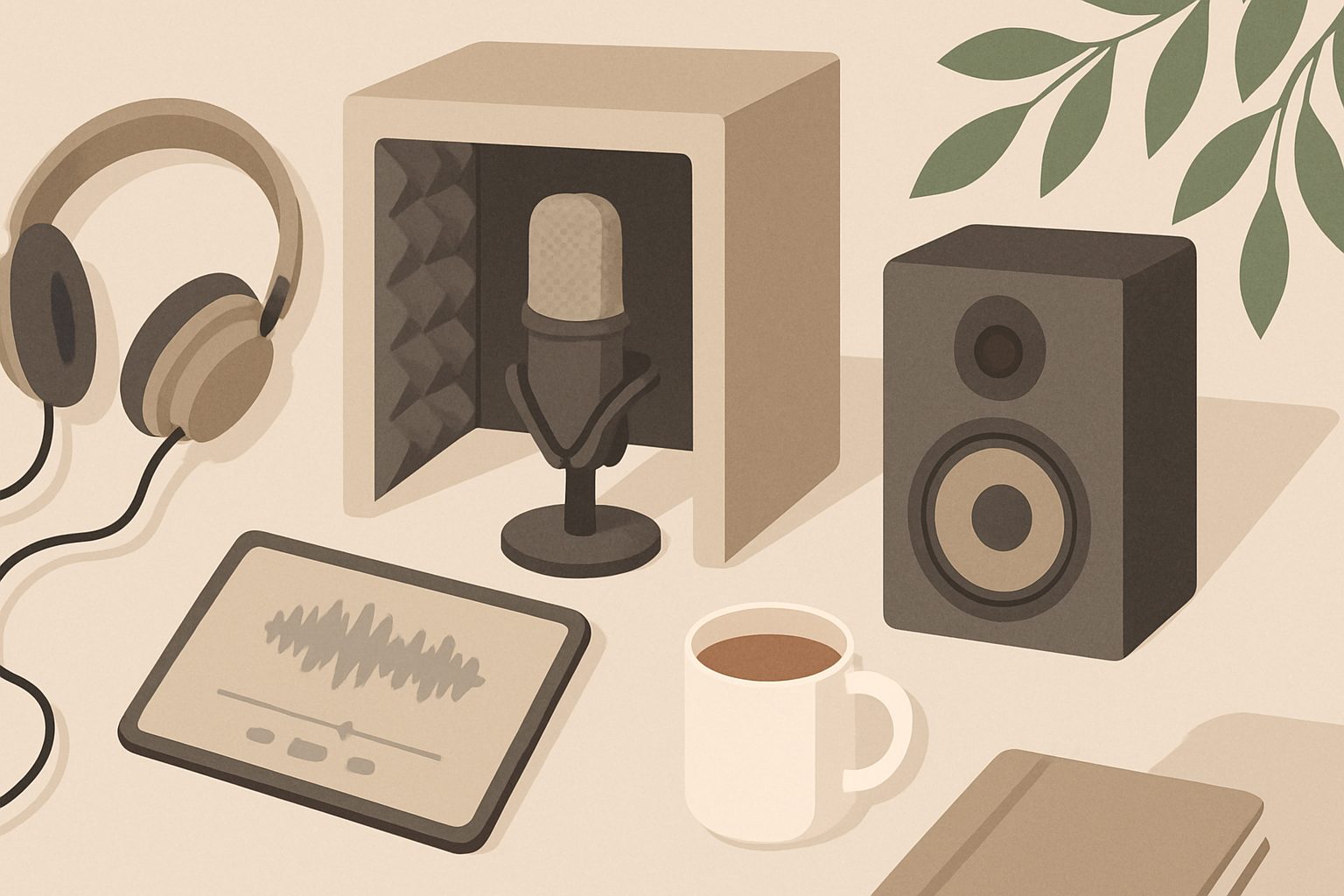
Portable vocal booths (also called "isolation booths" or "vocal tents") are collapsible frames with acoustic fabric. Brands like Neewer, Aston, and Primacoustic make versions ranging from £60 to £250. They sit on your desk and surround your microphone. The appeal is obvious: they're portable and don't require wall mounting. The honest review: they work reasonably well for microphone isolation, but they're claustrophobic if you use them for 8 hours a day, and they don't address room noise coming from elsewhere (your heating, traffic outside). They're best suited to creators and podcasters, not full-time Zoom workers.
DIY booth in a corner – Lean a cheap clothes rail against a corner wall, drape moving blankets or acoustic blankets over it, and you've created a semi-enclosed space. Cost: £30–60. It actually works better than the portable booths for full-time use because you can be more comfortable inside it. The downside is it looks temporary and takes up a corner of your room.
For online tutors specifically, I'd lean towards the acoustic panels approach. You get professional results, you don't look like you're broadcasting from a cupboard, and you can keep your workspace open.
Features That Actually Matter vs. Marketing Fluff
Actually matters:
- Sound absorption behind the microphone (within 1–2 metres)
- Reducing reverberation time in your room
- Microphone placement and technique
- Cable management (reducing handling noise)
Sounds good, doesn't help much:
- Ultra-premium mic stands (a £25 arm is fine if it's stable)
- "Podcast-grade" gain staging (you're not mastering music)
- Soundproofing the whole room (expensive, usually unnecessary)
The weakest link in a typical home setup isn't the equipment—it's the untreated room. Spend your money on panels first.
Common Misconceptions
"I need full soundproofing." No. Soundproofing (blocking external noise entirely) is expensive and involves structural work. Acoustic treatment (absorbing sound inside the room) is affordable and effective for video calls. External noise isn't silent, but it's not distracting if you're clear enough.
"More expensive = better results." False. A £100 USB condenser mic with six acoustic panels will give a remote tutor better results than a £1,500 standalone booth. Know the problem you're actually solving.
"I need a condenser mic." Not necessarily. Dynamic mics are more forgiving in untreated rooms. For tutors, a Shure SM7B (£350) or Audio-Technica AT2035 (£100) works brilliantly. Pick based on your room, not hype.
Setup Tips That Actually Work
- Position panels at ear level when seated, not higher up on the wall
- Leave a small gap behind panels so sound can be absorbed (don't seal them flat to the wall)
- Use a microphone pop filter to reduce plosive sounds
- Test your setup on a dummy call with a friend before you rely on it
- Wear headphones during calls so you don't create feedback loops
The Honest Bottom Line
For online tutors and remote workers, a sound booth isn't a physical object—it's the combination of acoustic panels, a decent microphone, and room discipline. You'll achieve professional-grade audio without losing half your office to a pod or looking like you're hiding from the world.
Start with acoustic treatment and a £100 USB mic. If you need portability later, add a vocal booth. But do that in reverse order, and you'll avoid buying expensive gear that doesn't solve your actual problem.
More options
- Portable Vocal Isolation Tents & Pop-Up Recording Booths (Amazon UK)
- Microphone Reflection Filters & Desktop Isolation Shields (Amazon UK)
- Acoustic Foam Panels & Bass Traps for Home Studios (Amazon UK)
- Freestanding Acoustic Office Pods & Soundproof Cabins (Amazon UK)
- Mass Loaded Vinyl & Soundproofing Barriers (Amazon UK)